
To survive and thrive during extended work-from-home sessions, selecting a chair with a backrest that offers active, adjustable support is essential. Sitting for eight or more hours a day places significant stress on the musculoskeletal system, particularly when using furniture that is not designed for prolonged desk work. A high-quality ergonomic chair does not simply act as a passive seat; it serves as a dynamic support system that adapts to your body’s movements, preserves the natural alignment of your spine, and mitigates the physical fatigue associated with remote work. By focusing on key backrest features, spatial compatibility, and physical testing, you can secure a setup that protects your posture and enhances your daily productivity.
Why Backrest Design Dictates Your WFH Comfort
When you sit for hours at a desk, your body naturally seeks the path of least resistance. Over the course of an eight-hour workday, muscles fatigue, leading to a gradual collapse in posture. This slouching forces the lower spine to curve outward in an unnatural shape, placing excessive pressure on the spinal discs and straining the surrounding muscles. A well-designed chair with a backrest counteracts this tendency by providing continuous physical reinforcement to the lower and mid-back, keeping the pelvis in a neutral position and preventing the shoulders from rounding forward.
Static sitting is one of the primary contributors to physical stiffness and discomfort. Modern ergonomic philosophy emphasizes dynamic sitting, which is the ability of a chair to support micro-movements and shifts in posture throughout the day. A rigid backrest forces the body into a single, unchanging position, restricting blood flow and causing muscle fatigue. Conversely, a backrest that moves with you—allowing you to lean back slightly, twist, or shift your weight while maintaining contact with your spine—encourages subtle muscle engagement and improves circulation, keeping you alert and comfortable.
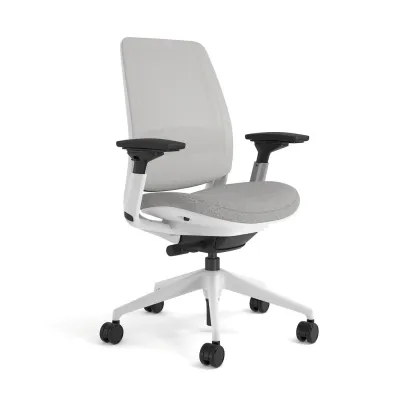
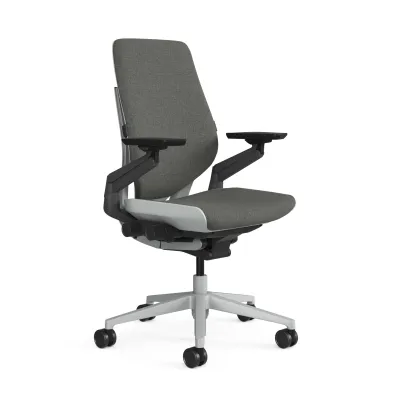
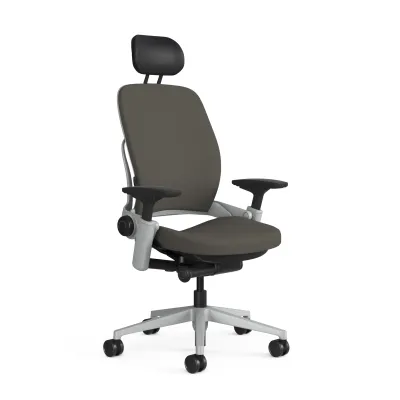
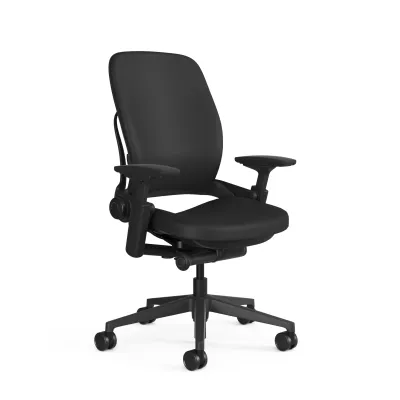
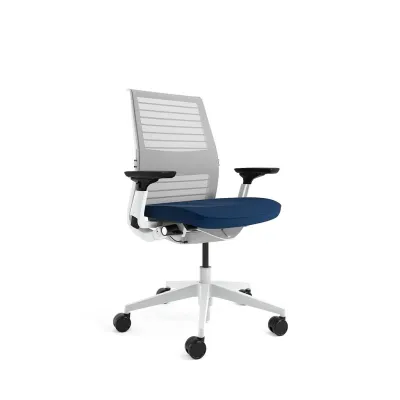
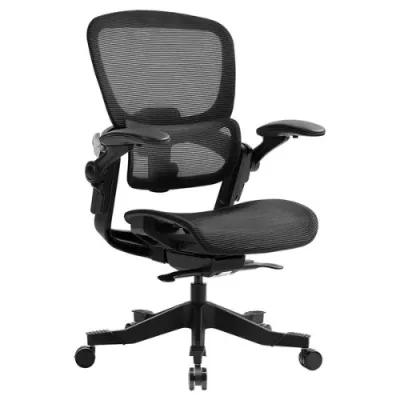
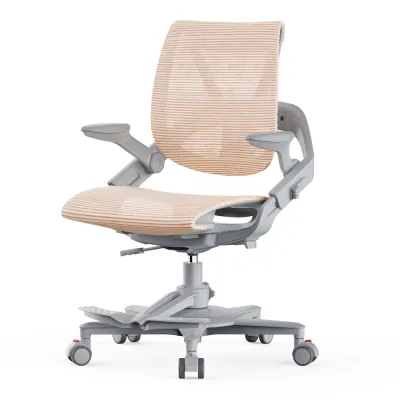
Products mentioned in this guide
![[SG Ready Stock]Ergonomic Office Chair Computer Desk Chairs Mesh Home Office Desk Chairs with Lumbar Support](https://img.lazcdn.com/g/p/585691bae859ee8d697593367d59d085.jpg_400x400q80.jpg_.webp)
Prices are valid at publication and may change. Please refer to the product page for the latest price.
It is common for remote workers to repurpose dining chairs, accent chairs, or basic stools for their home offices. While these options may suffice for short periods, they lack the structural engineering required for sustained desk work. Dining chairs typically feature flat, vertical backrests that offer no lumbar support, forcing the lower back to suspend in mid-air or slouch. Accent chairs often lack height adjustability, leading to mismatched desk heights that strain the neck and shoulders. Investing in a dedicated office chair with an adjustable backrest is a fundamental step in establishing a healthy, sustainable home workspace.
Essential Backrest Features for Extended Sitting
The cornerstone of any supportive backrest is adjustable lumbar support. Because every individual has a unique spinal curvature, a fixed lumbar pad rarely provides adequate support for everyone. Look for chairs that allow you to adjust both the height and the depth of the lumbar support. The height adjustment ensures the support sits precisely in the inward curve of your lower back, while the depth adjustment controls how firmly the pad presses against your spine. This customization helps maintain the natural lordotic curve of your lower back, reducing pressure on the lumbar discs.

Recline tension controls and multi-position tilt locks are equally vital for managing posture shifts. A high-quality backrest should allow you to tilt backward to relieve spinal pressure during phone calls or reading sessions. Recline tension controls let you adjust the resistance of the backrest based on your body weight, ensuring you do not feel like you are falling backward or struggling to push against a stiff spring. Multi-position tilt locks allow you to secure the backrest at specific angles, providing a stable, supportive platform whether you are in an active typing posture or a relaxed reading position.
When choosing between a mid-back and a high-back chair, consider your daily tasks and physical needs. Mid-back chairs support the lower and mid-spine, offering excellent mobility for the shoulders and arms, which is ideal for active typing and multitasking. High-back chairs extend up to the shoulders and often feature an integrated or adjustable headrest. This design provides full-length spinal support and relieves tension in the neck and upper shoulders, making it highly beneficial for those who spend long hours in virtual meetings or analyzing documents.
In Singapore’s warm and humid tropical climate, material selection plays a critical role in thermal comfort. Traditional thick foam backrests upholstered in heavy fabric or synthetic leather can trap body heat and moisture, leading to discomfort and sweating during long sessions. Mesh backrests offer superior breathability, allowing air to circulate freely around your back to keep you cool. If you prefer the plush feel of foam, look for high-density molded foam paired with breathable, moisture-wicking fabric covers, and ensure your workspace has adequate ventilation or air conditioning.
Sizing and Space Checks for Your Home Office
A supportive chair must fit both your body and your physical workspace. Before purchasing, verify that the seat depth and backrest height align with your physical proportions. When sitting fully back against the backrest, there should be a gap of about two to three fingers between the front edge of the seat pan and the back of your knees. If the seat is too deep, you will not be able to utilize the backrest without cutting off circulation behind your knees; if it is too shallow, your thighs will lack proper support, placing extra pressure on your sit bones.
In compact Singapore apartments and HDB flats, spatial efficiency is a key consideration. Measure your desk height and compare it to the chair’s armrest and base dimensions. Ensure the armrests can slide under your desk when the chair is not in use, which saves valuable floor space and allows you to sit close enough to your keyboard without reaching forward. Additionally, check the diameter of the five-star caster base to ensure it fits comfortably within your designated desk opening without striking table legs or storage units.
Calculate the total floor footprint required for the chair to function fully. A chair needs space not just for sitting, but also for swiveling, rolling back to stand up, and reclining. Ensure there is a clear path behind your desk, free of walls, cabinets, or electrical cords, to allow the backrest to tilt fully without obstruction. A cramped workspace that restricts your chair’s movement will ultimately discourage you from using its ergonomic features, leading to static, uncomfortable sitting habits.
Finally, always check the manufacturer’s stated weight capacity and structural limits. Standard office chairs are typically rated for specific weight ranges, and exceeding these limits can compromise the gas lift cylinder, tilt mechanism, and overall stability of the backrest. Choosing a chair with a robust, certified frame ensures long-term durability and safety, preventing premature wear of the moving parts that keep your backrest functioning correctly.
Building Your Shortlist: Evaluation and Trial Strategies
When compiling a shortlist of potential chairs, look beyond aesthetic appeal and focus on long-term reliability. Carefully review the manufacturer’s warranty terms, paying close attention to what is covered and for how long. A comprehensive warranty should cover the structural frame, gas lift, and tilt mechanisms for several years. Be cautious of warranties that only cover cosmetic defects or have exceptionally short coverage periods for moving parts, as these are often indicators of lower-build quality. When budgeting, factor in potential delivery or assembly fees, which can range from S$20 to S$50 depending on the retailer.
Understanding return policies and trial periods is crucial when buying furniture online. Many reputable brands offer home trial periods, allowing you to test the chair in your actual work environment for a set number of days. Check the terms for return shipping costs, restocking fees, and whether the chair must be returned in its original packaging. A flexible return policy reduces the financial risk of purchasing a chair that ultimately does not suit your body shape or comfort preferences.
Be vigilant against common red flags in product descriptions on online marketplaces and ecommerce platforms. Vague claims such as “universal ergonomic design” or “one-size-fits-all comfort” without detailed adjustability specifications often point to basic, non-adjustable models. Look for precise measurements of seat height, seat depth, backrest height, and lumbar adjustment ranges. If a manufacturer does not provide these specifications, it is difficult to verify whether the chair will offer the support you need for extended sitting.
Whenever possible, plan a visit to a physical showroom to test chairs before making a final decision. Sit in each candidate chair for at least ten to fifteen minutes, adjusting the lumbar support, recline tension, and armrests to match your preferences. Pay attention to the build quality: check if the backrest feels stable when locked, if the adjustment levers operate smoothly, and if the materials feel durable. A physical trial is the most reliable way to assess subjective comfort and ensure the backrest provides the precise support your body requires.
Frequently Asked Questions (FAQ)
Is a high-back chair always better for long work sessions?
Not necessarily. While a high-back chair with a headrest offers excellent support for the neck and shoulders during recline breaks, it may restrict shoulder mobility for some users during active typing. A mid-back chair often allows for greater freedom of movement and can be highly comfortable if it features a well-designed, adjustable lumbar support system. The choice depends on your height, torso length, and whether you require dedicated neck support during your workday.
How do I know if the lumbar support is positioned correctly?
The lumbar support should sit snugly in the natural inward curve of your lower spine, just above your belt line. It should fill the gap between your back and the backrest, providing gentle forward pressure without forcing your pelvis too far forward or causing you to slouch. If you experience pressure in your mid-back or find yourself sliding forward in the seat, the lumbar support is likely positioned too high or adjusted too deep.

Community discussion
Share your experience or ask a question. Comments are reviewed before publication.