
Adjusting your computer chair is a direct way to prevent the nagging back pain, neck stiffness, and shoulder fatigue that often accompany long hours at a desk. Many people sit in chairs straight out of the box without changing a single lever, forcing their bodies to adapt to a static, generic setup. This lack of customization can lead to poor spinal alignment, restricted blood flow, and chronic muscle strain over time. By taking a few minutes to customize your chair’s height, depth, lumbar support, and armrests, you can create a personalized workstation that actively supports your body’s natural alignment.
Achieving an ergonomic setup is not about finding a single, rigid position to hold all day. Instead, it is about setting up your chair to facilitate a neutral posture—a state where your joints are naturally aligned, and your muscles and ligaments experience the least amount of stress. When your chair is adjusted correctly, it distributes your body weight evenly, reduces pressure on your spinal discs, and allows you to work comfortably for extended periods. Before you begin adjusting your chair, clear any clutter from under your desk, put on the shoes you typically wear while working, and sit all the way back in the seat pan.
Understand the Basics of Ergonomic Sitting
A neutral sitting posture is the foundation of long-term comfort and musculoskeletal health. In this state, your spine maintains its natural “S” curve, your shoulders remain relaxed, and your joints are not forced into extreme or awkward angles. When you slouch or lean forward, you place increased pressure on the lumbar discs in your lower back and strain the muscles in your neck and shoulders. Proper chair adjustments act as a continuous support system, taking the physical burden off your muscles and transferring your weight safely to the chair’s structure.
Products mentioned in this guide
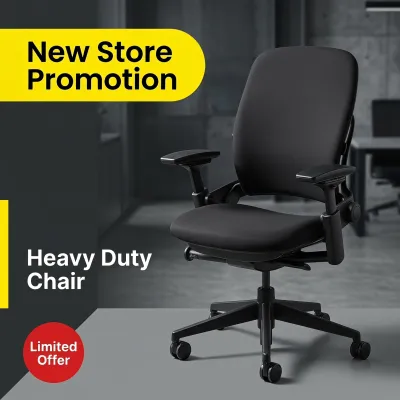
3 Lazada user ratings
🛠️Durability: very durable, It’s sturdy and doesn’t feel like it will fail its role in giving you a good long sit. 🎧Comfort: it’s comfortable…Read full reviewShow less
🛠️Durability: very durable, It’s sturdy and doesn’t feel like it will fail its role in giving you a good long sit. 🎧Comfort: it’s comfortable for me, I’m not very heavy so the cushion is enough. I bought this because I am prone to back pain from sitting during work. I really needed a good chair, mediocre chairs from like ikea just don’t cut out. I think it’s really worth the investment for a good chair and especially getting it from this shop because, what a steal and deal in my opinion. The pictures speaks for the quality and condition of it. I sat on this chair for 1 week before this review, and I can really feel the difference, I am able to sit down for longer hours without feeling strain in my back. It really helps in my sitting posture and I believe day to day, subtle changes but overall a compounded effect of feeling good for my back. Service: Excellent service from this shop. Super prompt reply and well mannered. Honest seller and very kind. Which not many people does business in such conduct. So I am super lucky to have stumble upon this. condition: everything is perfect, very minor scratches only. Only thing that’s badly worn out is the wheels, I could tell it has been used heavily but seller is nice to throw in new wheels
Good as new. The team has done a great job at refurbishing it 👍 There're signs of wear & tear (e.g., scratched leg rollers) but within expec…Read full reviewShow less
Good as new. The team has done a great job at refurbishing it 👍 There're signs of wear & tear (e.g., scratched leg rollers) but within expectations. The service is also excellent. The team promptly communicated the delivery delay and delivered the item well-wrapped.
Excellent condition chair. very good for my petite size. value for money.
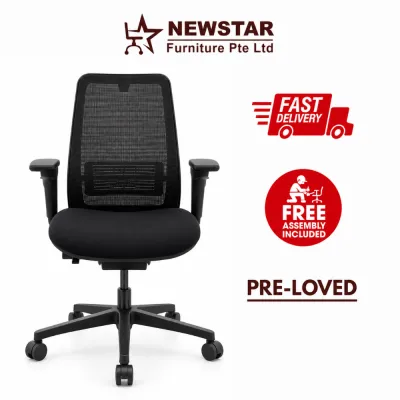
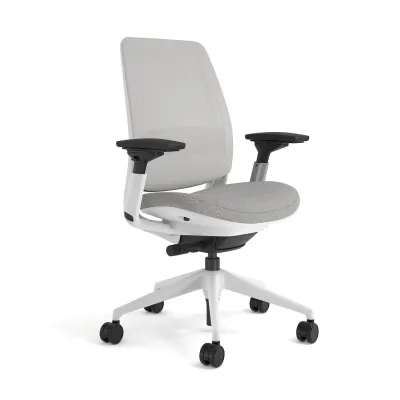
18 Lazada user ratings
Amazing for tailbone problem, got it at such a good price! Delivery was super fast and smooth too. I feel unbelievably lucky! :)
It is sturdy and was well packed. Delivery was rather responsive.
Seat adjustable armrests too. My GD is living her chair
🎧Comfort: Very nice and comfortable.
Comfy chair. My children love them.
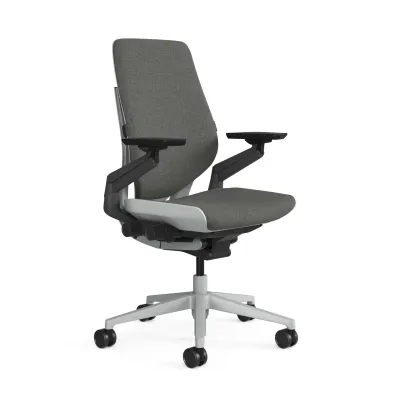
4 Lazada user ratings
This is very good chair? I used to have serious back problem, can’t sit too long. The chair just arrived today, I sit on it for last 1 hour,…Read full reviewShow less
This is very good chair? I used to have serious back problem, can’t sit too long. The chair just arrived today, I sit on it for last 1 hour, my backache gone… amazing, right?? 😂😂 I will try for next 10days, then back and review again..
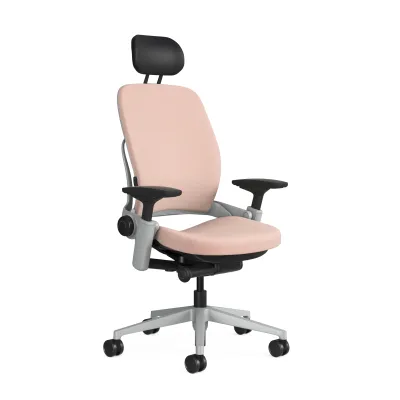
2 Lazada user ratings
Great. Best and most comfortable chair I’ve ever used. Highly recommend this.
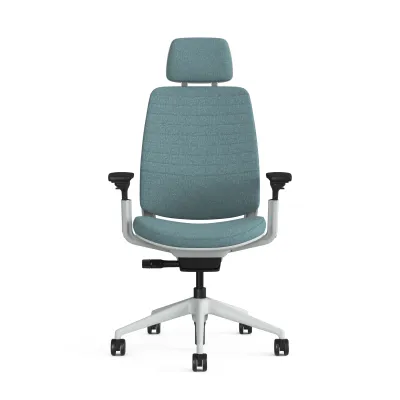
13 Lazada user ratings
3.5* Nice chair that achieved what I wanted from it: Comfort for hot weather Usage without AC. Pros - cooling - minimalist design - smooth w…Read full reviewShow less
3.5* Nice chair that achieved what I wanted from it: Comfort for hot weather Usage without AC. Pros - cooling - minimalist design - smooth wheels Cons - price - comfort - build quality - fixed head rest Those are my thoughts comparing to a SL2020. More wobbly than I would have liked, and not as comfortable as I imagined. These lead me to think it isn't worth the price, let alone the full price without 11.11. Probably could have done without the headrest too.
Chair came assembled. The chair suits my small body build very well, recommended for those 160+cm. Slightly expensive even while on promo bu…Read full reviewShow less
Chair came assembled. The chair suits my small body build very well, recommended for those 160+cm. Slightly expensive even while on promo but the adjustable features are decent. Happy with my purchase.
🛠️Durability:good 🎧Comfort:good 🎨Design:good
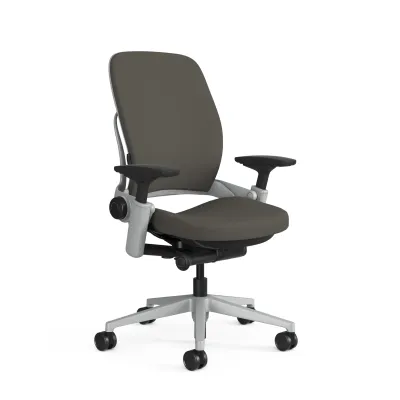
5 Lazada user ratings
Really like the comfort of this chair, the staff at the SteelCase showroom was very friendly and knowledgeable as well!
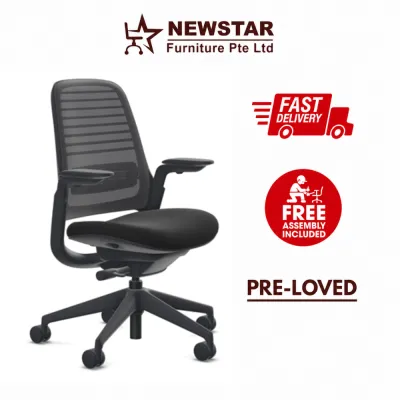
6 Lazada user ratings
The chair was in good condition. All the parts are working properly as intended. It's very comfortable to sit on and give good back support.…Read full reviewShow less
The chair was in good condition. All the parts are working properly as intended. It's very comfortable to sit on and give good back support. Will test if it will last over time. Delivery was very fast. same. day as I ordered. it was covered while in transit to prevent scratches.
fast shipping. seller delivered the next day. the item has some minor scratches which is expected, but looks as good as new. got it at a goo…Read full reviewShow less
fast shipping. seller delivered the next day. the item has some minor scratches which is expected, but looks as good as new. got it at a good price, thank you :)
Received in good condition. Offer next day delivery as well upon ordering. Comfortable and high quality. Highly recommended.
almost new one, very good chair and comfortable, I like it very much
Delivery is fast. Chair came in good condition for a pre-loved item.
Prices are valid at publication and may change. Please refer to the product page for the latest price.
To prepare for the adjustment process, you must first establish a clean baseline. Clear out any bags, cables, or footrests from beneath your desk so your legs have complete freedom of movement. Wear the footwear you normally wear during a typical workday, as heel height directly influences your optimal seat height. Sit down and slide your hips as far back as possible until your tailbone touches the backrest. This ensures that you are utilizing the full depth of the seat and that your back is in a position to receive support from the chair’s built-in ergonomic features.
Adjust the Seat Height and Depth
The height of your seat determines how your feet interact with the floor and how weight is distributed across your thighs. To adjust the height, stand in front of the chair and set the seat pan so the highest point is just below your kneecaps. When you sit down, your feet should rest completely flat on the floor, with your knees bent at an approximate 90-degree angle, or slightly wider. If the seat is too high, it will pull your legs forward and put pressure on the back of your thighs, restricting circulation; if it is too low, it will force your pelvis to tilt backward, flattening your lumbar curve.

Seat depth is equally critical for maintaining healthy circulation and spinal alignment. The depth refers to how far forward the seat pan extends relative to your thighs. To check this, sit all the way back in your chair and measure the space between the front edge of the seat and the back of your knees. You should be able to fit two to three fingers—roughly two to five centimeters—in this gap. If the seat pan presses against the back of your knees, it can restrict blood flow and cause you to slide forward, losing the support of the backrest.
If your chair lacks a sliding seat depth adjustment mechanism, you can use alternative strategies to achieve the correct fit. For chairs with a fixed seat pan that is too deep, placing a firm external lumbar cushion or backrest insert can push your torso forward slightly, creating the necessary clearance behind your knees. Conversely, if the seat pan is too short, you may need to adjust the angle of the backrest or consider a different chair model to ensure your thighs receive adequate support without compromising your posture.
Set the Lumbar Support for Your Lower Back
Your lower spine has a natural inward curve called lordosis, which requires active support to prevent slouching. When you sit for long periods without support, the muscles in your lower back tire out, causing your spine to slump into a “C” shape. This slumping increases the pressure on your spinal discs and can lead to chronic lower back pain. A properly positioned lumbar support fills the gap between the backrest and your lower spine, maintaining the natural curve and keeping your upper body aligned.
To adjust the lumbar support, locate the height adjustment mechanism on your chair’s backrest or the lumbar pad itself. Slide the support up or down until it sits directly in the curve of your lower back, which is typically just above your belt line. The support should feel firm but comfortable, gently pushing your lower spine forward without forcing your entire torso away from the backrest. If your chair features depth-adjustable lumbar support, increase the tension or depth until you feel even, supportive pressure across your lower back.
If your office chair has a fixed backrest or lacks built-in lumbar adjustment, you can easily improvise a solution. A dedicated ergonomic lumbar pillow can be strapped to the backrest at the correct height to provide the necessary contour. Alternatively, you can roll up a medium-sized towel to a diameter of about eight to ten centimeters and place it horizontally behind your lower back. Secure the towel with a band or strap to keep it from shifting as you move throughout the day.
Position the Armrests to Relieve Shoulder Tension
Armrests are designed to support the weight of your arms, taking the strain off your neck, shoulders, and upper back muscles. If your armrests are set too high, they will force your shoulders to shrug, leading to tension headaches and upper back tightness. If they are too low, you will tend to lean to one side or slouch forward to rest your elbows, throwing your spine out of alignment.
To find the correct armrest height, relax your shoulders completely and bend your elbows to a 90-degree angle. Adjust the height of the armrests until they just touch the undersides of your elbows when your arms are resting naturally at your sides. Your forearms should be supported parallel to the floor, allowing your wrists to remain straight when you reach for your keyboard and mouse. If your chair features width-adjustable or pivoting armrests, slide them inward so your elbows remain close to your torso, preventing you from reaching outward.
In some workspaces, armrests can interfere with your ability to pull your chair close to the desk. If your armrests hit the edge of the desk and force you to lean forward to work, lower them completely or remove them entirely. It is far better to have your chair close to your desk with your forearms supported by the desk surface than to use armrests that keep you positioned too far from your keyboard.
Configure the Backrest Recline and Tilt Tension
Sitting in a strictly upright, 90-degree position for hours can actually increase the load on your spinal discs. Ergonomic research suggests that a slight recline, typically between 100 and 110 degrees, is optimal for reducing spinal pressure while maintaining an active working posture. This slight tilt transfers a portion of your upper body weight to the backrest of the chair, easing the burden on your lower back.
To set the recline, unlock your chair’s backrest and lean back slightly until you find an angle that feels supportive and comfortable. Once you have established this angle, locate the tilt tension knob, which is usually situated underneath the front of the seat pan. Turn the knob to adjust the resistance of the backrest. The tension should be set so that you can recline easily by leaning back, but still feel supported when you sit forward, without the chair throwing you forward or dropping you backward suddenly.
Most ergonomic chairs, including advanced models like those from Steelcase, feature tilt lock mechanisms that allow you to secure the backrest in a specific position. While locking the backrest can be useful for tasks requiring intense focus, keeping the tilt unlocked with the tension properly adjusted encourages dynamic sitting. Dynamic sitting allows your body to make micro-movements throughout the day, which promotes blood circulation and keeps your spinal discs hydrated.
Verify Your Posture and Maintain Healthy Habits
Once you have completed all the individual adjustments on your computer chair, it is important to perform a quick self-check to verify your overall posture. Sit fully back in the chair and look straight ahead; your eyes should align with the top third of your computer monitor. Your wrists should remain straight and level with or slightly lower than your elbows when typing. Your feet must be flat on the floor, and you should feel even support along your thighs, lower back, and forearms.
Even a well-adjusted ergonomic chair cannot counteract the negative effects of prolonged, static sitting. Your body is built for movement, and staying in any single position for too long can lead to muscle fatigue and stiffness. Make it a habit to take short micro-breaks every thirty to sixty minutes. Stand up, stretch your arms, roll your shoulders, and walk around for a minute or two to restore circulation and give your muscles a break.
Over time, the components of your office chair can wear down, or your physical needs may change. If you find that the gas lift cylinder constantly slips, the cushions have lost their support, or you can no longer achieve a comfortable setup despite making adjustments, it may be time to evaluate a replacement. Investing in a highly adjustable ergonomic chair ensures that you can maintain a healthy, pain-free posture as you work.
Frequently Asked Questions (FAQ)
What if my feet do not reach the floor after adjusting the seat height?
If your feet do not rest flat on the floor after you have adjusted your seat height relative to your desk, you should use an ergonomic footrest. This is common for shorter individuals or when working at fixed-height desks that require a higher seat position to reach the keyboard comfortably. A footrest supports your feet, maintains the necessary 90-degree angle at your knees, and prevents the front edge of the seat from pressing into your thighs and restricting blood circulation.
Should I use a headrest on my office chair?
A headrest is primarily beneficial if you spend a significant amount of time reclining, taking phone calls, or resting between tasks. During active typing and computer work, your head should remain balanced over your spine without relying on a headrest. If you choose to use a headrest, ensure it is adjusted to support the natural curve of your neck rather than pushing your head forward, which can strain your neck muscles.

Community discussion
Share your experience or ask a question. Comments are reviewed before publication.