
Maximizing a compact home workspace in a small Housing & Development Board (HDB) room requires shifting your storage strategy from horizontal surfaces to underutilized vertical planes. The optimal pegboard setup for a tight study corner relies on a modular, wall-mounted panel system—typically constructed from powder-coated steel or treated engineered wood—configured with specialized accessories that lift your daily work essentials completely off your desk. By transitioning stationery, cables, headphones, and reference materials to the wall, you preserve precious desk depth for your keyboard, mouse, and monitor, creating an organized and distraction-free environment.
To achieve a highly functional, zero-footprint workspace, you must carefully evaluate your room’s physical constraints, select materials suited to the local climate, and install the system securely according to your specific wall type. This guide outlines the step-by-step process to plan, customize, and maintain a high-performance pegboard setup tailored for compact Singapore homes.
Assessing Your Wall Space and Load Requirements
Before purchasing any organizing panels, you must accurately measure the clear wall space directly above or adjacent to your desk. Take note of the height from the desk surface to the ceiling, and identify any potential obstructions such as wall-mounted air conditioning units, window frames, window track paths, or electrical trunking. Leaving a clearance of at least 5 to 10 centimeters around these fixtures ensures that your pegboard does not interfere with home maintenance access or daily window operations.
Products mentioned in this guide
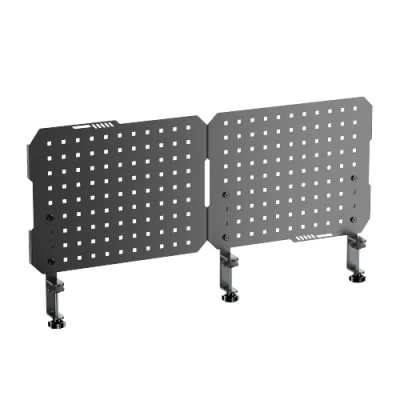
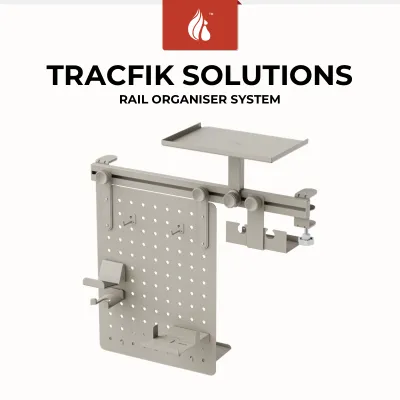
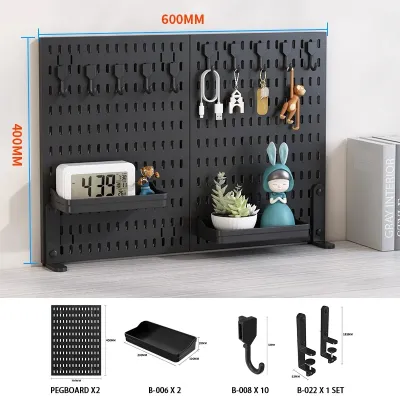
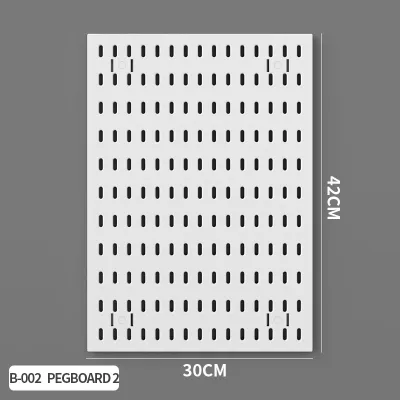
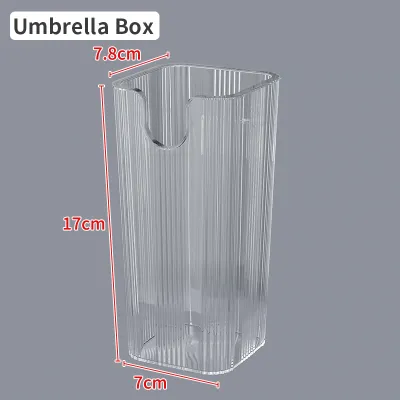
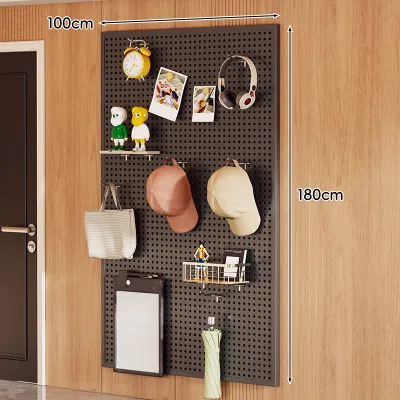
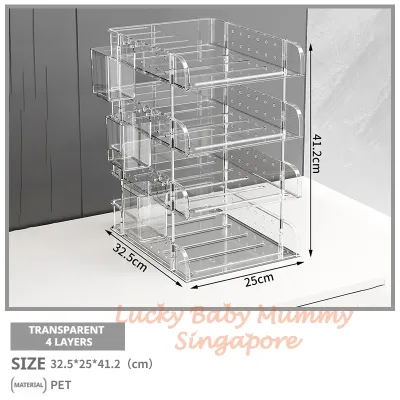
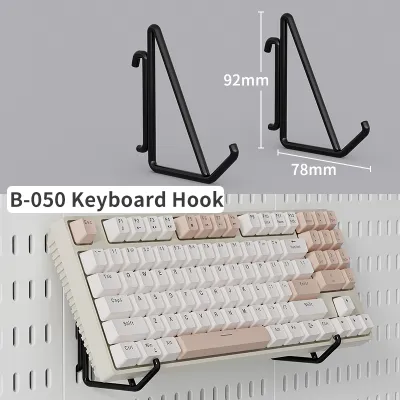
Prices are valid at publication and may change. Please refer to the product page for the latest price.
Next, determine the composition of the wall where you plan to mount the system. In Singapore, HDB flat walls generally fall into two categories: structural reinforced concrete walls (often found in newer Build-To-Order flats) and internal non-load-bearing partition walls made of lightweight concrete blocks or drywall. Structural concrete walls offer exceptional load capacity but require a rotary hammer drill and specialized masonry plugs for installation. Partition walls are easier to drill but have lower weight thresholds, requiring specialized hollow-wall anchors or toggle bolts to prevent structural failure.
Finally, estimate the total weight of the items you intend to store on the board. Standard office supplies, cables, and lightweight headphones place minimal stress on a system, whereas heavy reference books, tablets, and metal desk accessories require a more robust setup. Always check the manufacturer’s specified weight limits for both the individual panels and the mounting hardware to ensure your planned load remains well within safe operating limits.
Choosing the Right Pegboard Material and Size
Selecting the right material is critical for ensuring the longevity of your vertical organizer, especially given the high humidity levels typical of Singapore’s tropical climate. Powder-coated steel pegboards are highly recommended for their exceptional durability, resistance to bending under load, and immunity to moisture damage. Additionally, metal panels allow you to use magnetic accessories alongside standard hooks, offering greater organizational flexibility.

If you prefer the warm aesthetic of wood, opt for high-density fiberboard (HDF) or specially sealed medium-density fiberboard (MDF) panels. Unsealed or low-grade compressed wood products can absorb ambient moisture over time, leading to swelling, warping, or mold growth, particularly if your workspace is located near a window or an air conditioner vent. Plastic pegboards are lightweight and budget-friendly, but they are best reserved for light-duty storage as they can bow or crack under concentrated weight.
For compact HDB rooms, a modular panel system is highly superior to a single, large pegboard. Modular panels, typically sold in square configurations like 30-by-30 centimeters or 50-by-50 centimeters, allow you to customize the layout to fit your exact wall shape. You can arrange them horizontally to span the width of your desk, vertically to utilize high ceilings, or even in an L-shape around a corner. This modularity also means you can start with a small setup and expand it as your storage needs grow.
Configuring Accessories for a Zero-Footprint Desk
An effective pegboard configuration relies on matching the right accessory to each item’s weight, shape, and frequency of use. For heavy items such as small potted plants, desk clocks, or reference books, select deep, heavy-duty shelves that attach securely across multiple peg holes. Ensure these shelves do not protrude so far forward that they obstruct your physical movement or block your view of your computer monitor.
For daily essentials like cables, scissors, and keys, standard metal hooks or loops are the most efficient choice. Group similar items together and utilize small hanging bins or cups to corral loose stationery like pens, paperclips, and sticky notes. Keeping these small items in dedicated containers prevents visual clutter and ensures your desk surface remains entirely clear for active work tasks.
To further optimize your compact workspace, look for specialized attachments designed for modern tech setups. Headphone hangers, tablet stands, and dedicated power strip brackets can be mounted directly to the board, keeping charging cables organized and off the floor. You can also attach slim, under-shelf LED light bars to the underside of a pegboard shelf to provide direct task lighting to your desk surface without taking up valuable desk space with a traditional table lamp.
Safe Installation and Weight Distribution
Safe installation is paramount to prevent property damage or personal injury in a residential workspace. When mounting your pegboard, always use the specific wall anchors recommended for your wall type. For solid concrete walls, use high-quality plastic or metal wall plugs that expand tightly inside the drilled hole. For drywall or hollow partition walls, use heavy-duty toggle bolts or self-drilling drywall anchors that grip the back of the wall board securely.
Most pegboards require standoffs—small spacers placed between the back of the board and the wall—to create a gap. This gap is essential because it allows the mounting hooks and brackets to insert fully through the peg holes without scraping or damaging your wall paint. Ensure these standoffs are installed at every designated mounting point to distribute the board’s weight evenly across the wall surface.
When loading your pegboard, practice proper weight distribution by placing the heaviest items on shelves near the bottom center of the board. This keeps the center of gravity low and reduces the pulling force exerted on the top wall anchors. Avoid clustering heavy items on one side of the board, which can cause the panel to tilt or warp over time. If you encounter unexpected resistance while drilling, or if you are unsure of the load-bearing capacity of your partition wall, stop the installation immediately and consult a qualified professional handyman.
Maintaining and Adapting Your Vertical Workspace
To keep your vertical workspace safe and functional, perform routine maintenance checks at least once every six months. Gently wiggle the pegboard panels to check for any play or looseness in the wall anchors. If you notice any wobbling, tighten the mounting screws immediately. Inspect the panels for signs of material degradation, such as bowing in wood boards or rust spots on metal panels, and address these issues before they compromise the structural integrity of the setup.
As your workflow changes, take the time to reconfigure your accessories and redistribute the weight on your board. If you acquire new, heavier equipment, adjust the positions of your shelves and hooks to maintain a balanced load. Regularly decluttering your pegboard ensures that it remains a highly functional productivity tool rather than a vertical storage space for items you no longer use.
Finally, follow material-specific cleaning guidelines to prevent dust buildup, which is common in well-ventilated Singapore homes. For powder-coated steel and plastic boards, wipe the surfaces down with a damp microfiber cloth and a mild, non-abrasive detergent, drying them thoroughly afterward. For wood or MDF boards, use a dry microfiber cloth or a soft brush attachment on a vacuum cleaner to remove dust without introducing moisture that could damage the wood fibers.
Frequently Asked Questions (FAQ)
Do I need permission to drill holes for a pegboard in an HDB flat? (FAQ)
Generally, you do not need formal permission from the Housing & Development Board to drill standard holes for mounting shelves, cabinets, or pegboards on internal walls. However, you must avoid drilling into structural columns, beams, or the reinforced concrete walls of your household shelter (bomb shelter), as drilling into these areas is strictly prohibited for safety reasons. If you are renting your flat, always consult your tenancy agreement and obtain written consent from your landlord before drilling any holes. For rental units where drilling is restricted, consider damage-free alternatives such as freestanding pegboard units or clamp-on desk pegboards.
Can a pegboard hold a heavy monitor or PC tower? (FAQ)
No, standard wall-mounted pegboards are not designed to support the concentrated, cantilevered weight of a computer monitor arm or the substantial weight of a PC tower. Attempting to mount these heavy electronics directly onto a pegboard can cause the panel to bow, pull the wall anchors loose, or damage your expensive equipment. Instead, mount your monitor using a dedicated wall-mount bracket anchored directly into a concrete wall, or use a heavy-duty desk-clamp monitor arm. PC towers should be kept on your desk surface, on a dedicated floor stand, or on a sturdy under-desk CPU holder designed specifically to bear heavy loads.
Community discussion
Share your experience or ask a question. Comments are reviewed before publication.