
Choosing the right console cabinet size requires balancing your television’s physical dimensions, your available wall space, and the room’s daily traffic flow. A well-sized unit ensures visual harmony, provides adequate storage for media equipment, and maintains a comfortable viewing experience without overwhelming your living room. To find the perfect fit, you must look beyond the diagonal screen size of your television and carefully measure your physical environment, taking into account both aesthetic proportions and practical clearance requirements.
Measure Your Available Wall Space and Room Layout
Before browsing online marketplaces or visiting local furniture showrooms, you must establish the physical boundaries of your living room. Start by measuring the total usable width of the wall where you plan to position the console cabinet. Be sure to subtract the space occupied by architectural features such as doorways, low windows, columns, or built-in shelving units that cannot be moved.
A common design mistake is selecting a cabinet that stretches from corner to corner, which can make a standard living room feel cramped. To maintain a balanced aesthetic, aim to leave visual breathing room on both sides of the cabinet. Leaving at least 30 to 45 centimetres of open wall space on either end helps the furniture piece look intentional rather than forced into the room.
Products mentioned in this guide
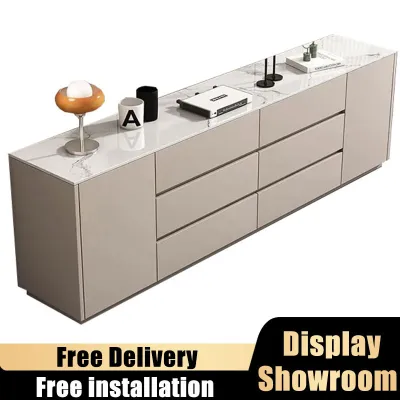
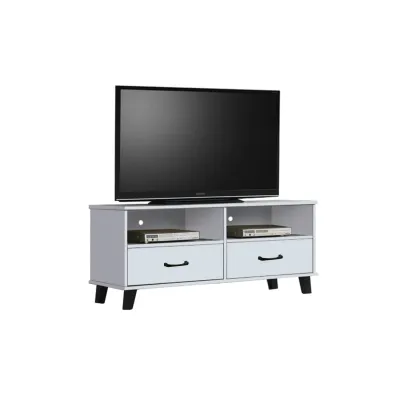
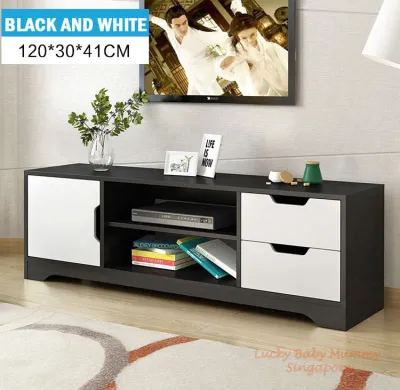
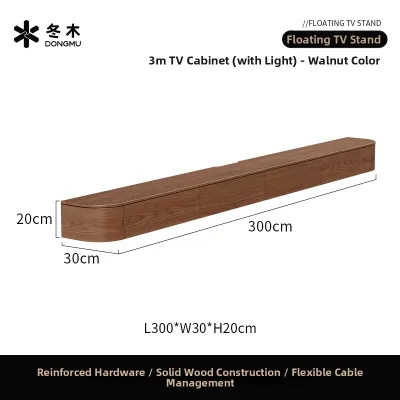
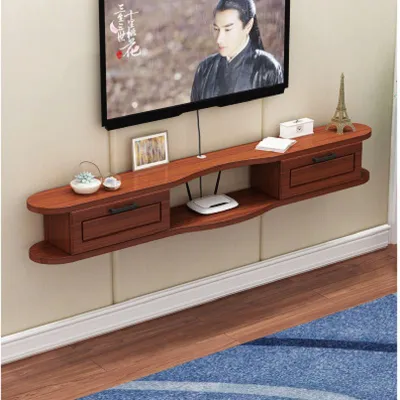
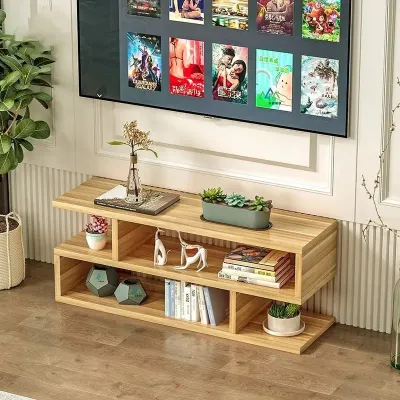
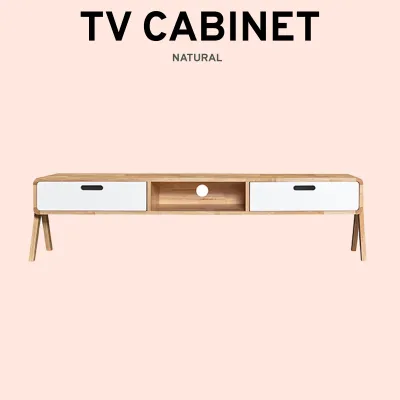
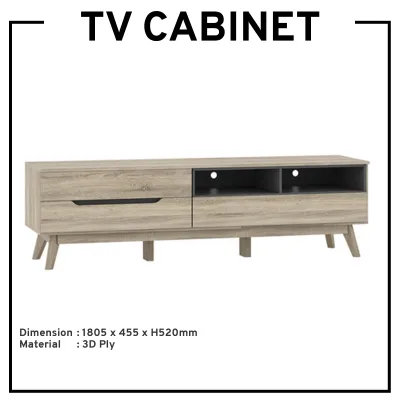
Prices are valid at publication and may change. Please refer to the product page for the latest price.
In addition to wall width, you must evaluate the room’s primary traffic flow and seating arrangements. Measure the distance between the front of the proposed cabinet and your coffee table or sofa to ensure there is a clear walking path. In typical apartments, where space is highly optimized, ensuring a clearance of at least 60 to 90 centimetres in front of the cabinet allows for comfortable movement and easy access to drawers or doors.
Consider also how the cabinet interacts with adjacent furniture pieces. If your sofa or armchair is positioned close to the media zone, a cabinet that is too wide or deep might block the natural pathway, making the room feel congested. Mapping out the footprint of the cabinet on the floor using masking tape can help you visualize the physical impact of the furniture before making a final decision.
Match the Console Cabinet Width to Your TV Size
To achieve a balanced look, the width of your console cabinet must be directly proportional to the size of your television. Many homeowners mistakenly rely on the diagonal screen size advertised by manufacturers when planning their furniture layout. However, a 65-inch television refers to the diagonal measurement of the screen, not the actual horizontal width of the frame, which is significantly shorter.

Always measure the physical horizontal width of your television from the outer edge of the left bezel to the outer edge of the right bezel. Additionally, check the depth and width of the TV’s stand or base footprint if you plan to place it directly on the cabinet surface. The console cabinet should be noticeably wider than the physical width of the television to prevent a top-heavy appearance and provide a stable visual foundation.
As a general proportional guideline, select a console cabinet that is at least 10 to 20 centimetres wider than your television on each side. This extra width creates a pleasing visual pyramid, where the wider base supports the narrower screen above. It also provides practical surface space for placing small decorative items, remote controls, or a slim soundbar without crowding the television screen.
If your console cabinet is too narrow, the television will appear to overwhelm the furniture, creating an awkward top-heavy effect. This visual imbalance can make the entire room feel unsymmetrical and cluttered. Ensuring the cabinet extends well past the edges of the screen anchors the entertainment area and establishes a clean, cohesive focal point.
Determine the Ideal Depth and Height for Comfort and Balance
The depth and height of your console cabinet directly impact both its storage utility and your physical comfort during long viewing sessions. When evaluating depth, consider the specific media equipment you plan to store inside or on top of the unit. Standard cabinets typically range from 35 to 50 centimetres in depth, which is generally sufficient for modern streaming devices, gaming consoles, and soundbars.
If you own older or professional-grade audio-visual equipment, such as bulky AV receivers, you must measure these devices carefully before purchasing. Remember to account for the space required by rear cable connectors and plugs, which can add an extra 5 to 8 centimetres to the depth requirement. Ensuring your equipment does not overhang the front or back edges of the cabinet prevents accidental damage and maintains a clean, streamlined look.
For height, the primary goal is to position the television screen at a comfortable, ergonomic level to prevent neck strain. When seated on your sofa, your eye level should ideally align with the middle third of the television screen. For a standard sofa height, a console cabinet that stands between 45 and 60 centimetres tall usually provides the optimal viewing height.
If you plan to wall-mount your television above the cabinet, you have more flexibility with the cabinet height. However, you should still keep the cabinet relatively low to maintain a comfortable visual connection between the screen and the furniture piece. A gap of 10 to 20 centimetres between the bottom of the wall-mounted TV and the top of the cabinet is generally recommended for a cohesive look.
Check Clearance, Pathways, and Installation Requirements
Selecting the perfect dimensions on paper is only half the battle; you must also ensure the physical cabinet can be safely delivered and installed in your home. Before finalizing your purchase, verify that the fully assembled cabinet—or its flat-packed packaging—can navigate your building’s entryways. Measure the height and width of your front door, apartment lift doors, internal lift dimensions, and any tight corners in your hallways or staircases.
Once the cabinet is in your living room, proper installation requires attention to ventilation and cable management. Electronic devices generate heat during operation, and enclosed spaces can cause them to overheat, potentially shortening their lifespan. Ensure the cabinet design includes open shelving, slatted doors, or built-in ventilation cutouts, and leave at least 5 centimetres of clearance behind the unit for airflow and cable routing.
Finally, consider the structural stability of the cabinet and your floor’s load capacity. If you have young children or pets, check the manufacturer’s instructions regarding wall-anchoring. Many taller or heavier console cabinets include anti-tip hardware that must be secured to the wall studs to prevent accidental tipping, especially if a heavy television is placed on top.
Additionally, check the assembly conditions of the cabinet before purchase. Some large console cabinets are delivered fully assembled, requiring significant clearance and multiple people to carry, while others are flat-packed and require self-assembly. Understanding these requirements beforehand helps prevent delivery day surprises and ensures a smooth installation process.
Common Sizing Mistakes to Avoid
One of the most frequent errors is confusing the television’s diagonal screen size with its actual physical width. This mistake often leads to purchasing a console cabinet that is too narrow, leaving the television edges flush with or overhanging the sides of the cabinet, which looks unstable and visually awkward.
Another common oversight is ignoring the depth required for cable management and ventilation behind closed cabinet doors. Homeowners often measure only the physical chassis of their gaming consoles or media players, forgetting that stiff HDMI cables and power cords protruding from the back require several centimetres of extra clearance to avoid being bent or damaged.
Lastly, many people fail to map out the exact locations of wall outlets, light switches, internet ports, and baseboards before positioning their furniture. A console cabinet that blocks access to essential power points or prevents the unit from sitting flush against the wall due to thick baseboards can disrupt your entire living room layout and cable organization plan.
To avoid these issues, always create a detailed floor plan or use painter’s tape to mark the exact dimensions of the proposed cabinet on your wall and floor. This simple step allows you to verify that all outlets remain accessible and that the cabinet does not interfere with light switches or door frames.
Frequently Asked Questions (FAQ)
Can a console cabinet be exactly the same width as my TV?
While it is physically possible, matching the cabinet width exactly to your television’s width is generally not recommended. This setup creates a harsh, top-heavy visual profile that makes the television look unstable and dominant. Maintaining a margin of at least 10 to 15 centimetres of cabinet space on both sides of the screen provides a much better visual balance and ensures that the television does not accidentally get bumped or damaged.
How do I size a console cabinet if I plan to wall-mount my TV?
If you plan to wall-mount your television, the console cabinet no longer needs to support the physical weight of the screen, but it still serves as an essential visual anchor. In this scenario, focus on matching the cabinet’s width to the overall wall proportion and your storage needs, ensuring the cabinet remains wider than the TV for aesthetic balance. You can also opt for a slightly lower cabinet height to create a clean, modern gap of 10 to 20 centimetres between the top of the cabinet and the bottom of the wall-mounted screen.
Community discussion
Share your experience or ask a question. Comments are reviewed before publication.